Explore essential health and wellness features on your Galaxy Watch

Your Galaxy Watch can help you better understand your body and keep track of your health and wellness goals throughout the day. Learn how to use some of its built-in features to measure your body composition, monitor your heart rate and stress levels and more.
Activate Water Lock
When using your Galaxy watch in or around water turn on Water lock mode to prevent accidental touches on your screen. It will also prevent you from accidentally activating your watch with a wake-up gesture while you're swimming.
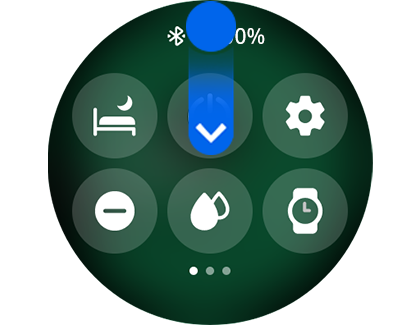
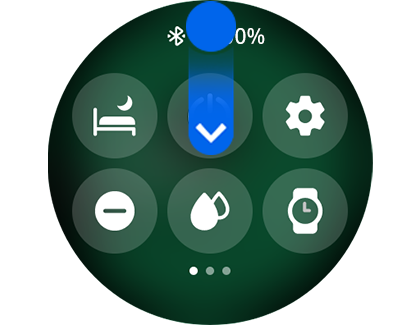
Step 1. Swipe down on home screen to reveal quick access panel.
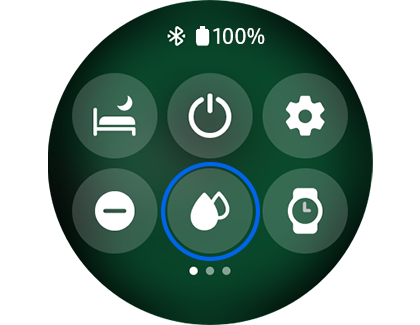
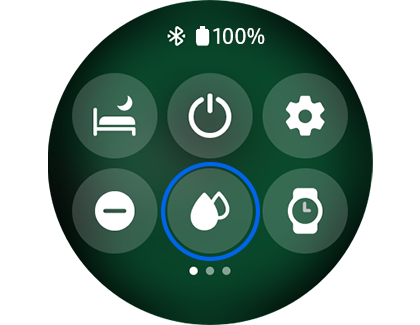
Step 2. Tap Water lock icon.
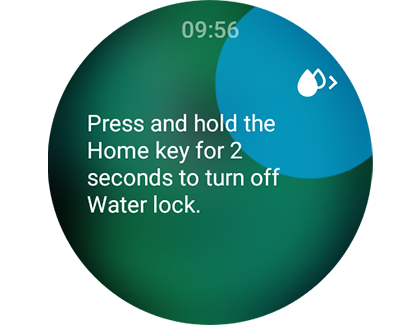
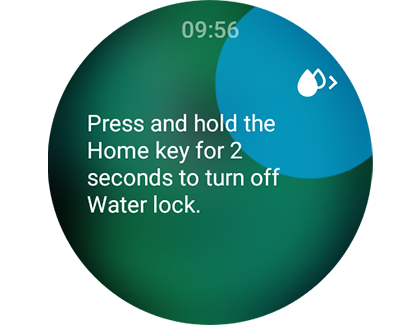
Step 3. To Turn off, press and hold the Home key for two seconds.
Measure your Stress Levels
With Galaxy Watch you can measure your stress levels by checking your heart rate and some other factors.


Step 1. Open Samsung Health app, scroll down and tap “Stress”.
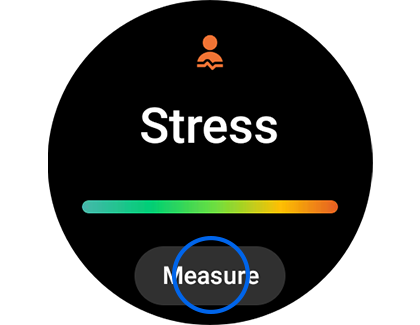
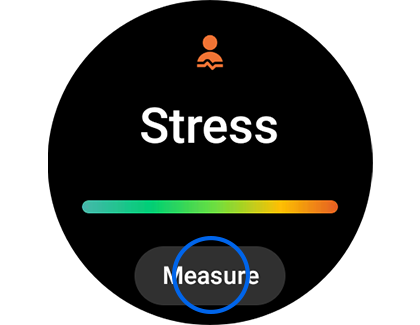
Step 2. Tap “Measure”.
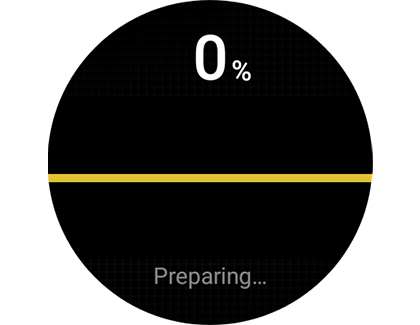
Step 3. Wait for Galaxy to prepare.
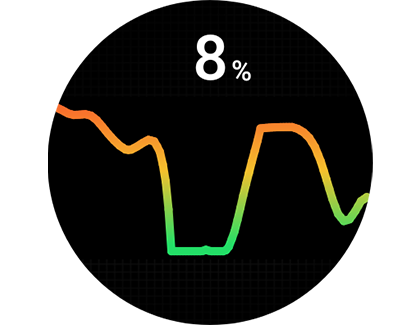
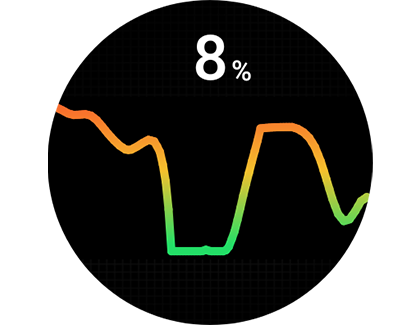
Step 4. Stress levels will be displayed as a percentage.
Please Note:
Stress levels measurements are for personal use only and do not offer conclusive medical opinion.
If at any point you feel stress, discomfort or unwell, talk to a medical professional.
Monitor your Heart Rate
Knowing your heart rate can be useful because it helps you determine whether your exercise is intense enough to provide health benefits, but not so intense that it could present physical complications.
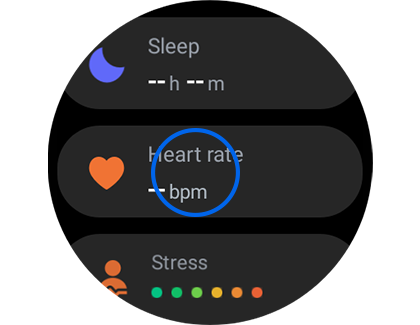
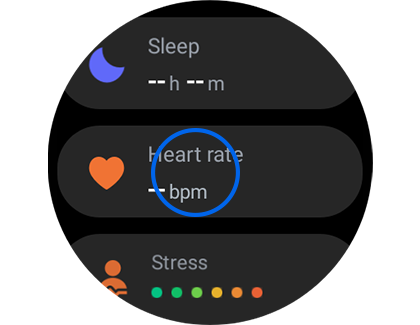
Step 1. Open Samsung Health app, scroll down and tap “Heart rate”.
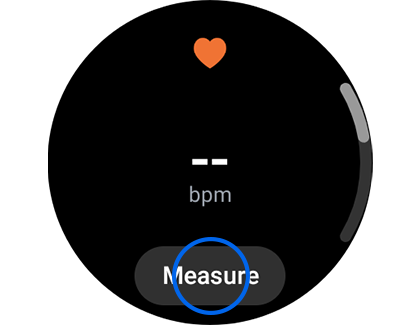
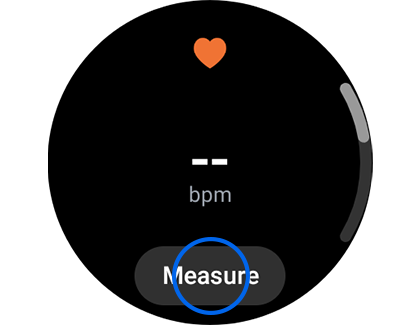
Step 2. Tap “Measure”.
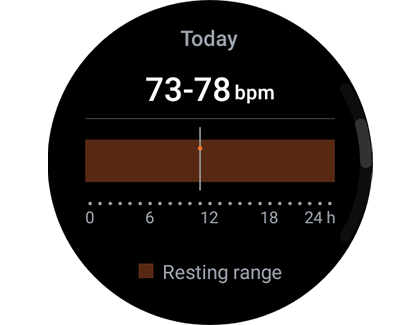
Step 3. Heart rate information will be displayed.
Please Note:
Heart rate measurements are for personal use only and do not offer conclusive medical opinion.
If you feel unwell or any discomfort, seek immediate medical advice.

Thank you for your feedback!
Please answer all questions.
RC01_Static Content : Hide call number function